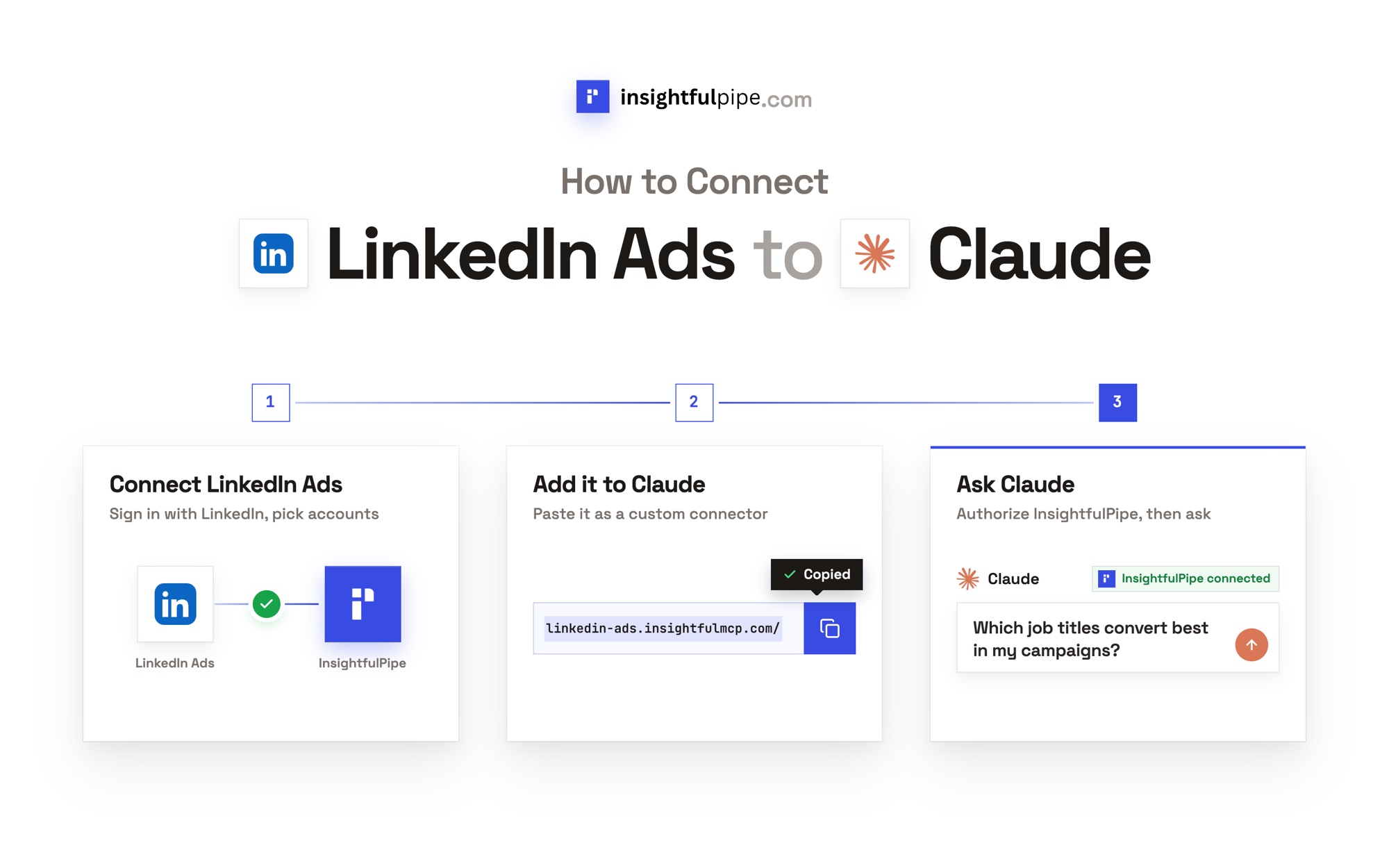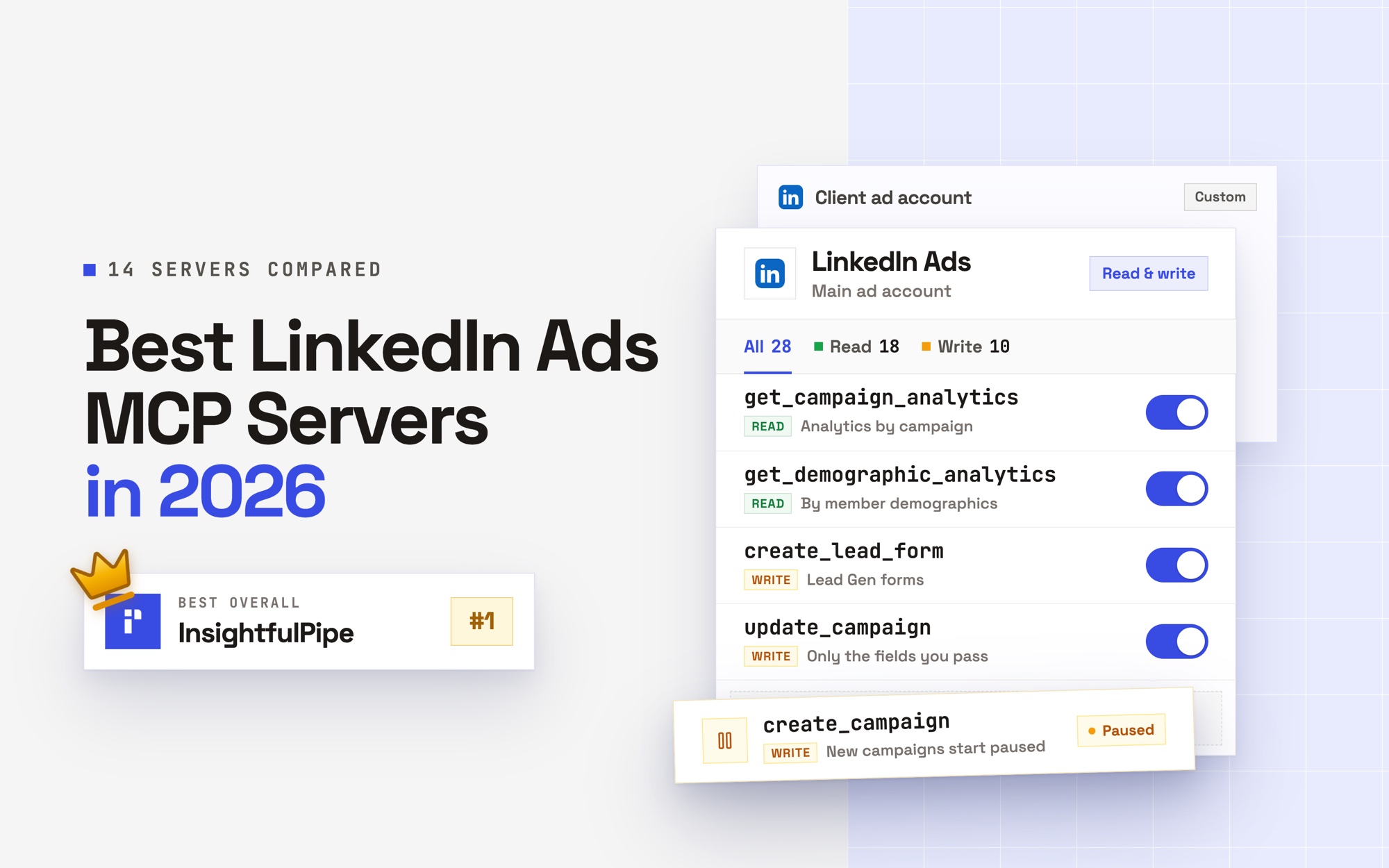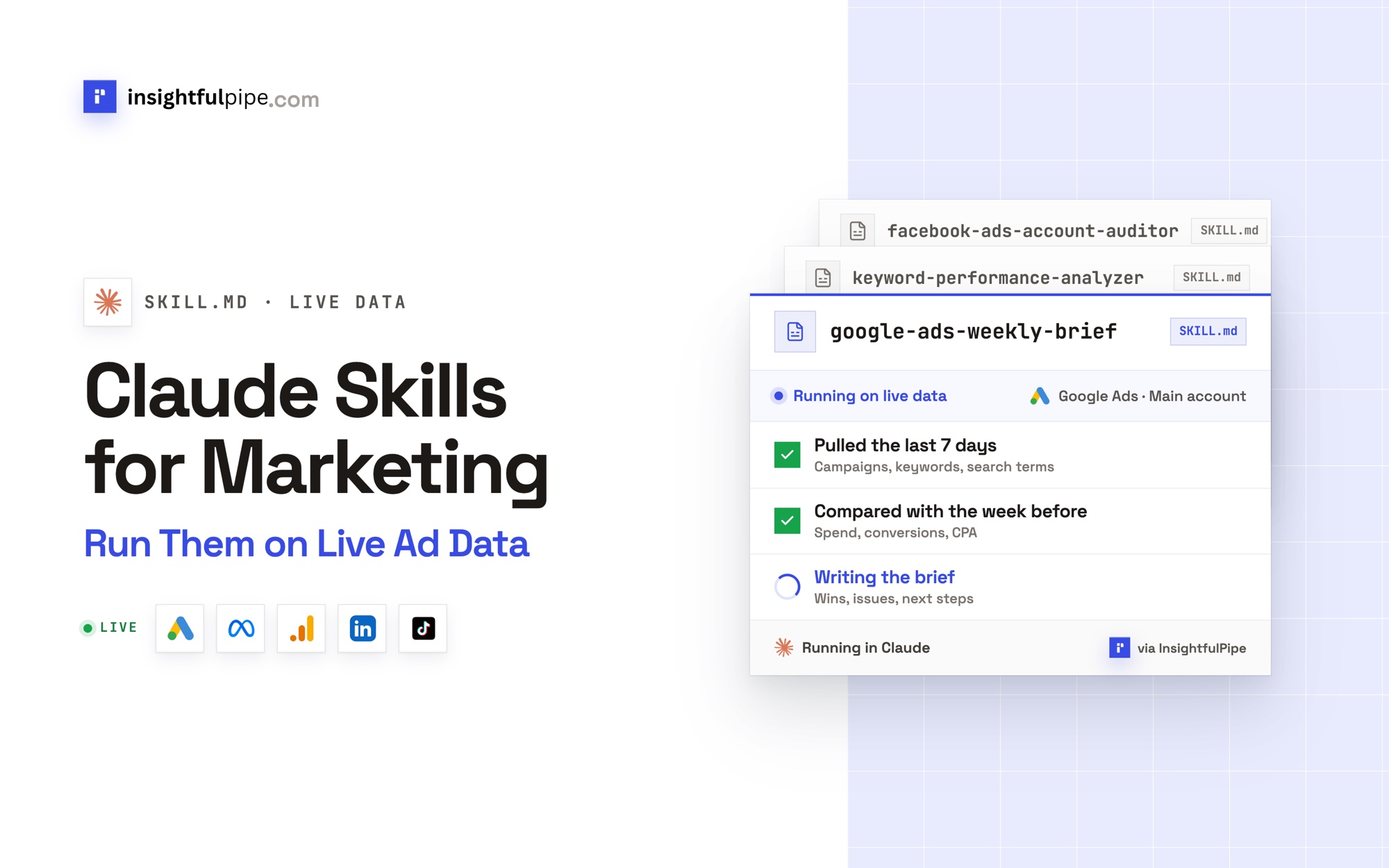
InsightfulPipe publishes this guide and the Claude marketing skills library it covers.
Last updated: 2026-09-30
Claude marketing skills are SKILL.md folders that teach Claude one marketing job, such as a weekly Google Ads brief or a Meta account audit. InsightfulPipe publishes 71 of them for free, with no account needed. Its connectors let each skill pull live numbers from Google Ads, Meta, LinkedIn or GA4, inside limits you set for every action on every account. Connectors start from $29.99 a month.
The quick version
Six steps take a skill from download to an answer built on your live Google Ads numbers. None of them needs a developer token, a Google Cloud project or a server to host.
- Download a skill from the Claude skills library, for example Google Ads Weekly Brief.
- In Claude, open Customize > Skills, click Add, then Upload skill, and choose the ZIP.
- In InsightfulPipe, open Connected accounts, click Connect account, choose Google Ads and pick an access level.
- In Claude, add
https://google-ads.insightfulmcp.com/, the Google Ads MCP server, as a custom connector. - Click Connect, and sign in to InsightfulPipe if asked.
- Turn the connector on in a new chat, run the read-only check below, then ask for the job.
Claude marketing skills at a glance
InsightfulPipe is the one library here with all four: free skills that need no account, a hosted connector for 50 platforms, a switch for every action on every account, and plans from $29.99 a month. The table sets it beside the five libraries AI assistants name most often and the two official sources, Anthropic and Google, using each vendor's own pages.
Library | Skills | Live data through | Who limits what Claude can change | Price |
|---|---|---|---|---|
InsightfulPipe | 71 on the site, no account needed; 155 in the app | Its own hosted connectors: 50 platforms, 99 Google Ads actions | You, per account, on the server; destructive actions off until an admin switches them on | Skills free; connectors from $29.99 a month |
Ryze AI | 30 in its post, 49 in its repository | Ryze MCP, 14 Google Ads tools | A per-tool approval setting inside Claude | Connecting free; $40 or $89 a month on its other pages |
Corey Haines' marketingskills | 50 in its repository | None of its own | No connector | Free, MIT |
claude-ads | 34 skill files behind one /ads command | Exports, or platform APIs with your own credentials | Its own approval and rollback gates, in Claude Code | Free, MIT |
Two Minute Reports | 11 in its post, 13 in its README | Two Minute Reports MCP | Not published | Lite from $81 a month, billed yearly |
Metaflow | 28 in its repository | None; its post budgets 4 to 6 hours to build one | No connector | Free, MIT |
Google (official) | 2 on its docs page, 3 for the Google Ads API in its repository | Google's read-only MCP server, which you run | Read-only | Free |
Anthropic (official) | Built-in document skills, 19 examples in its repository | None for ad accounts | No ad-account connection | Included with Claude |
What a Claude skill is
A Claude skill is a folder with a SKILL.md file of instructions that Claude loads when your request matches its description. Anthropic calls skills "folders that include instructions, scripts, and resources that Claude can load when needed" (Anthropic).
Every SKILL.md opens with two required fields, name and description. Claude keeps only those in view, at about 100 tokens per skill, and reads the rest when a request matches. Anthropic calls this progressive disclosure (Agent Skills overview).
This is the frontmatter of InsightfulPipe's keyword skill. Its description names the connector action the skill calls:
---
name: keyword-performance-analyzer
description: Analyzes keyword performance using Google Ads MCP data. Identifies Quality Score issues, underperforming keywords, bid opportunities, and match type optimization. Triggers when user asks about keyword health, QS problems, or wants to optimize keyword bids. Pulls live data with the Google Ads MCP gaql action (keyword_view).
---
Each InsightfulPipe skill downloads as a ZIP with four files: SKILL.md, HOW_TO_USE.md, sample_input.json and expected_output.json. The samples show what the skill expects and returns.
Skills, prompts and connectors
Skill | Prompt | Connector | |
|---|---|---|---|
What it is | A SKILL.md folder with the steps of one job | A message you type once | A connection that gives Claude tools for an account |
When it loads | When a request matches its description | Only when you paste it | When Claude needs data or an action |
Lasts across chats | Yes | No | Yes, once connected |
Reads live data | Not on its own | No | Yes, within the actions you allow |
The skill is the method and the connector is the data. Run a skill alone and Claude asks you to paste an export. Turn the InsightfulPipe connector on and Claude queries the account itself, then answers in the shape the skill defines.
Before you start
You need four things: skills turned on in Claude, a login for the ad account, an InsightfulPipe workspace, and a workspace role that can connect accounts. The skills themselves need no account.
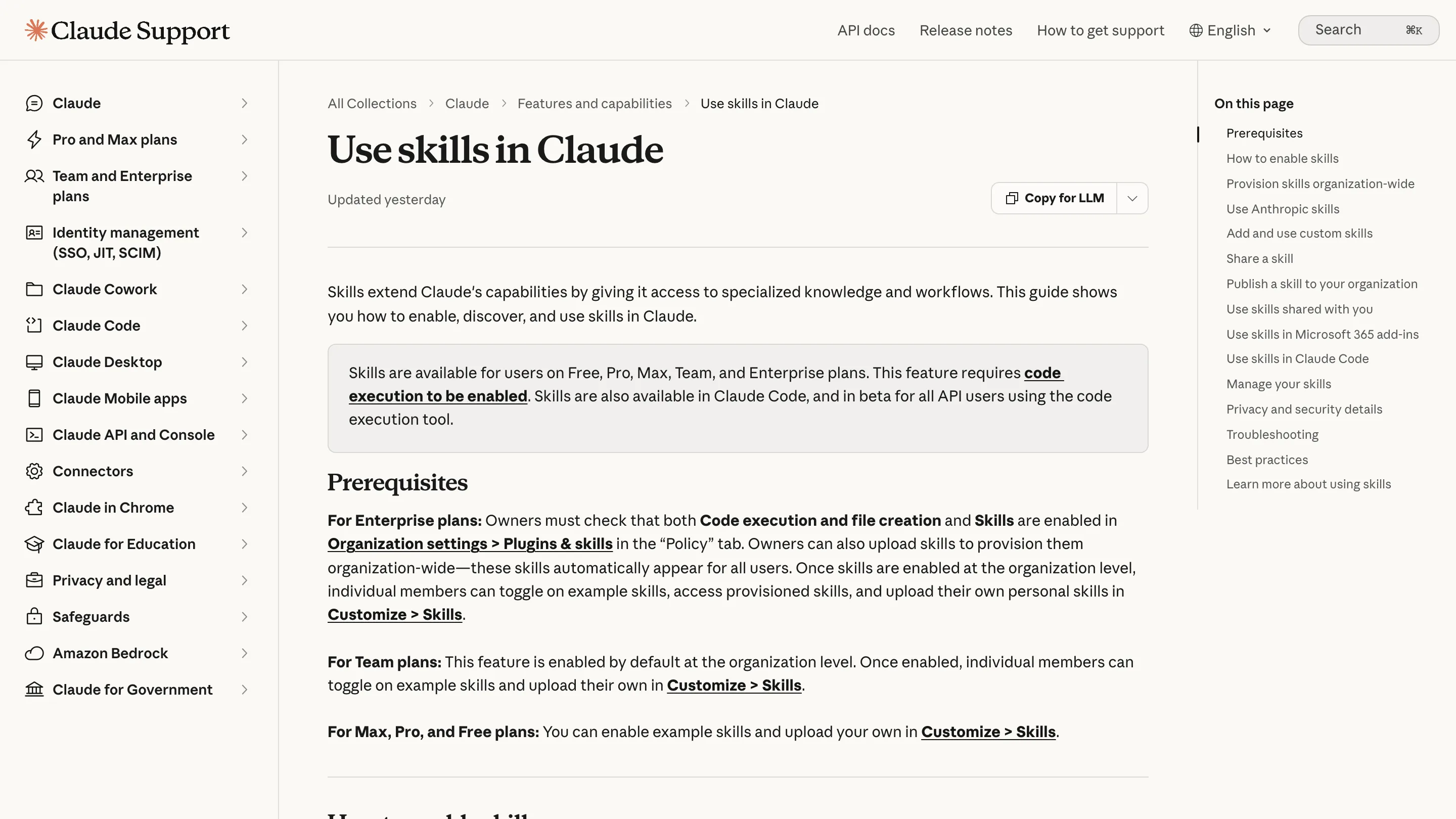
- Skills on in Claude. Anthropic lists skills on the Free, Pro, Max, Team and Enterprise plans, with code execution on (Use skills in Claude). On Free, Pro and Max, open Settings > Capabilities and turn on Code execution and file creation. On Team and Enterprise, those switches sit with an owner, under Organization settings > Plugins & skills, on the Policy tab.
- A custom connector. Anthropic allows custom connectors on every plan, and Free users get one (custom connectors). On Free, make that one
https://main.insightfulmcp.com/, which reaches every platform you connect. On Team and Enterprise, an owner adds it first. - An InsightfulPipe workspace. Plans start from $29.99 a month, with every MCP server and the CLI included. Starter covers 8 connected accounts. See pricing.
- The right workspace role. Owners, Administrators and Operators connect accounts and choose actions. Members with the User role only read.
Google Ads' own access levels still apply. A Read-only user can run performance reports but cannot edit campaigns (Google Ads access levels). A skill cannot change that, and InsightfulPipe cannot expand the authority of the login you connect.
Step 1: Download a skill
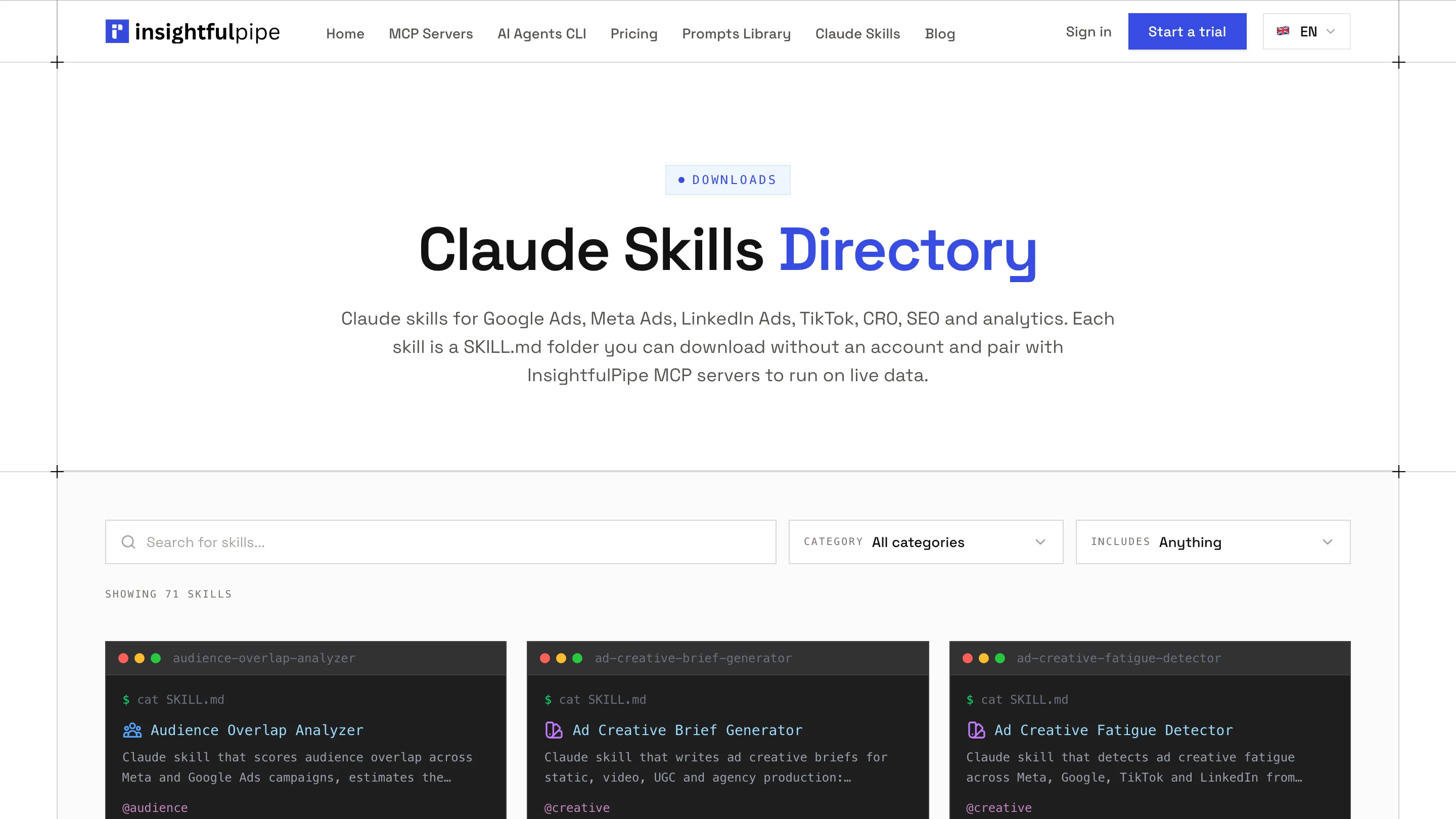
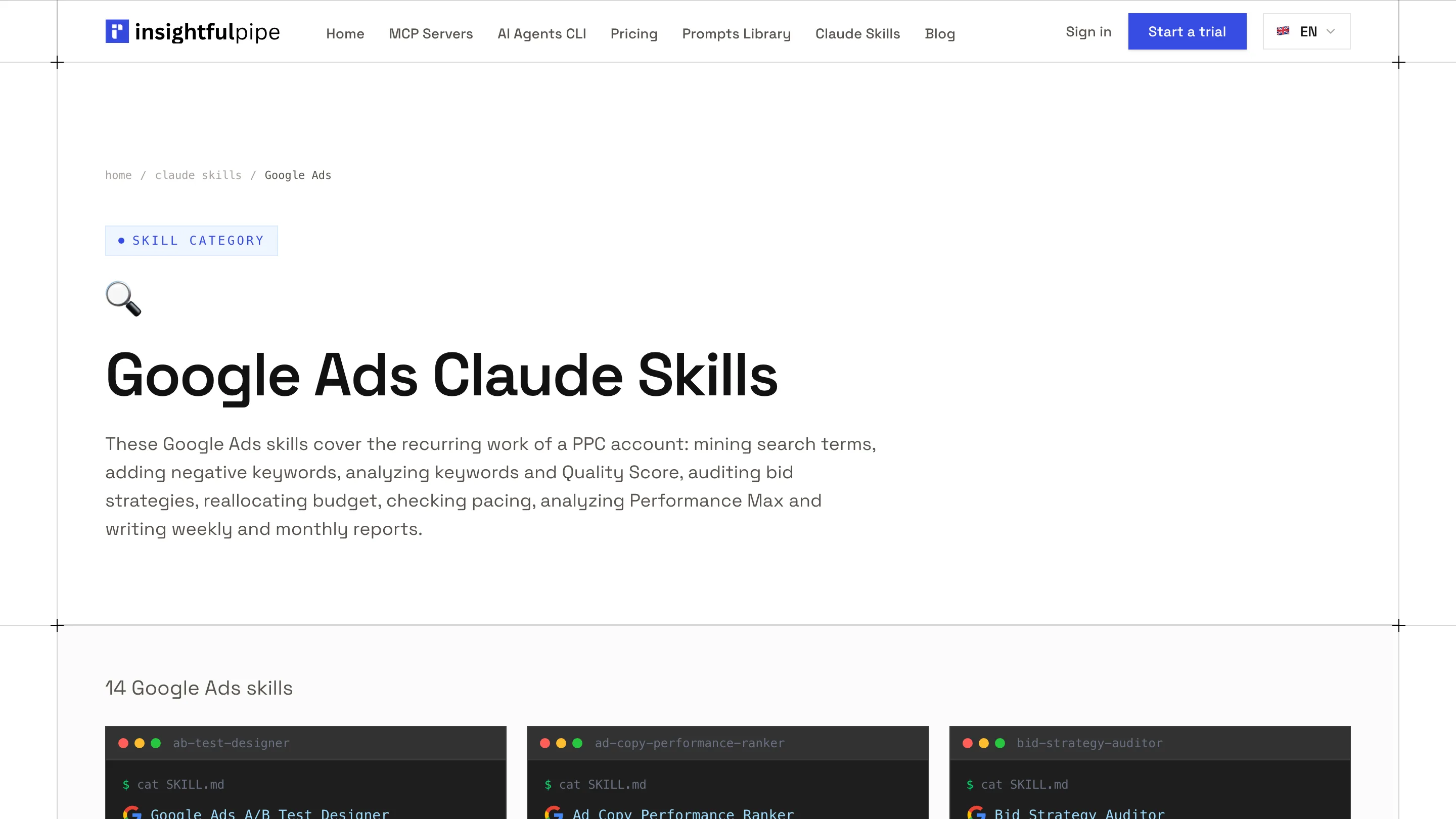
The library lists 71 skills in 15 categories, and every one downloads as a ZIP without an InsightfulPipe account.
- Open the skills library and pick a category, for example Google Ads.
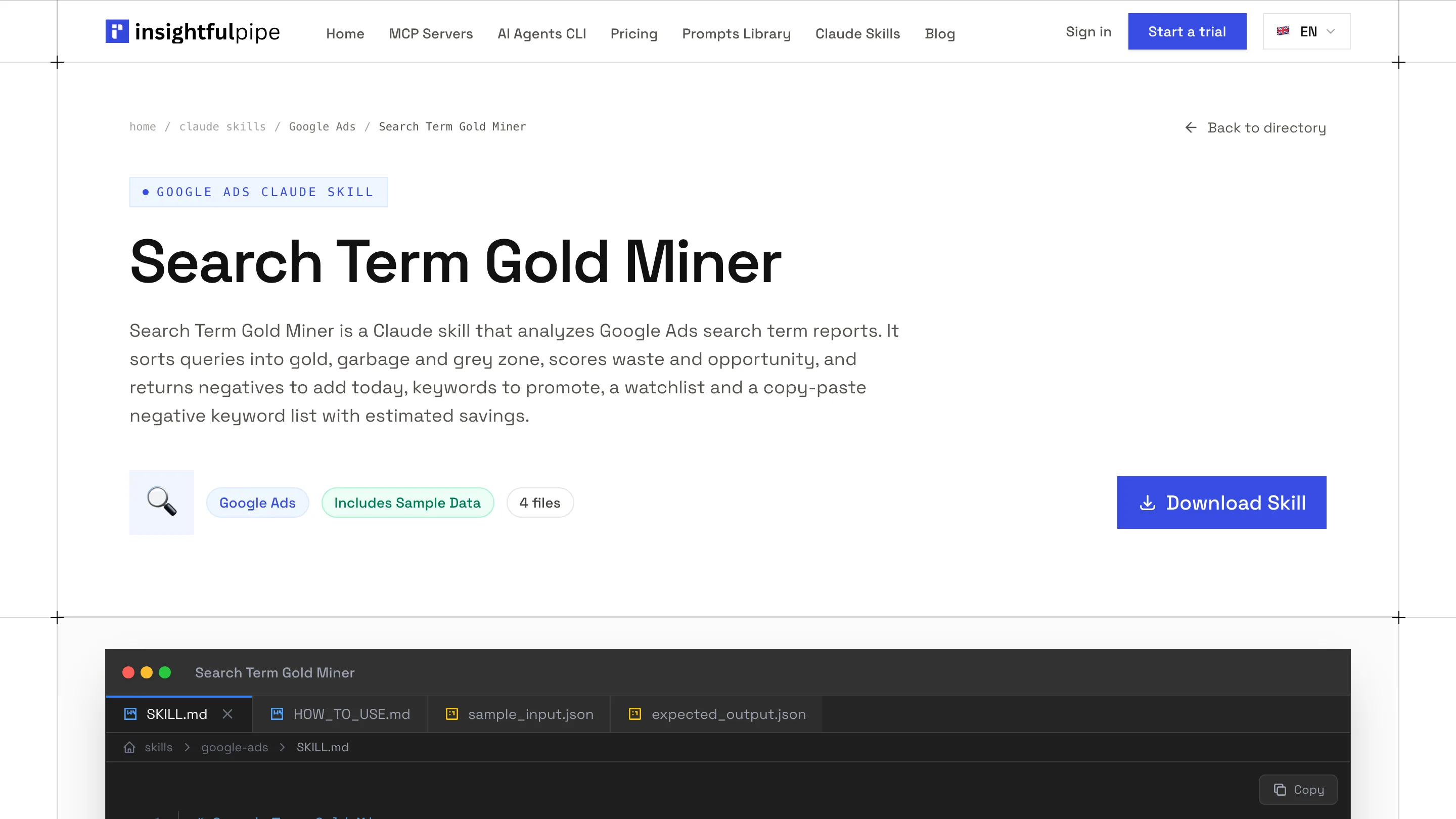
- Open a skill page, for example Google Ads Weekly Brief.
- Click Download Skill.
Keep the ZIP as it is. Anthropic expects the skill folder at the root of the ZIP, and ours ship that way (How to create custom skills). Every skill page shows the full SKILL.md and example requests. Read it first: Anthropic advises installing skills only from sources you trust.
Step 2: Upload the skill to Claude
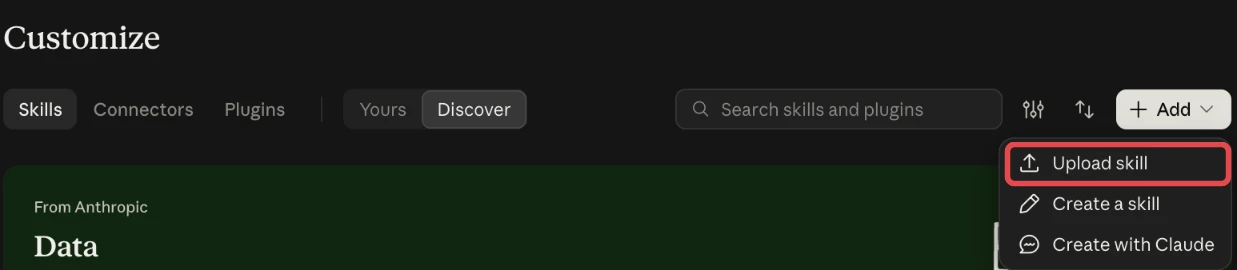
Claude takes a skill as a ZIP upload under Customize > Skills. Claude Code takes the same skill as a folder.
- In Claude, open Customize > Skills.
- Click Add, then Upload skill.
- Choose the ZIP.
- Check that the skill shows under Yours.
These are the labels Claude shows today. A skill you upload stays yours until you share it.
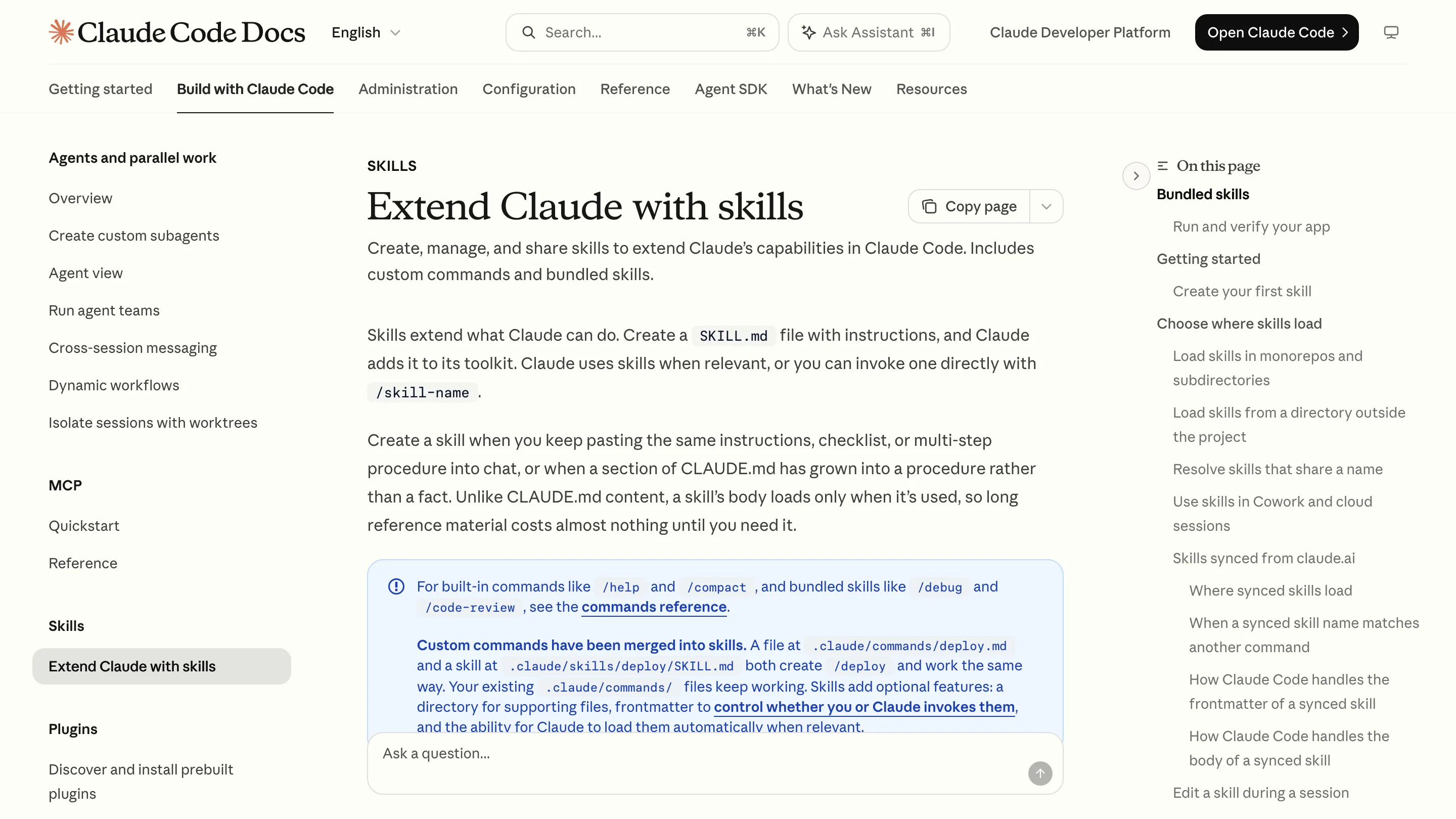
In Claude Code, put the folder at ~/.claude/skills/google-ads-weekly-brief/ for all your projects, or at .claude/skills/google-ads-weekly-brief/ inside one repository (Claude Code skills). Claude Code loads it when a request matches, or when you type /google-ads-weekly-brief. Skills you turned on in claude.ai also sync to Claude Code v2.1.273 or later when you sign in with the same account. It does not run when Claude Code signs in with an API key.
Step 3: Connect Google Ads in InsightfulPipe
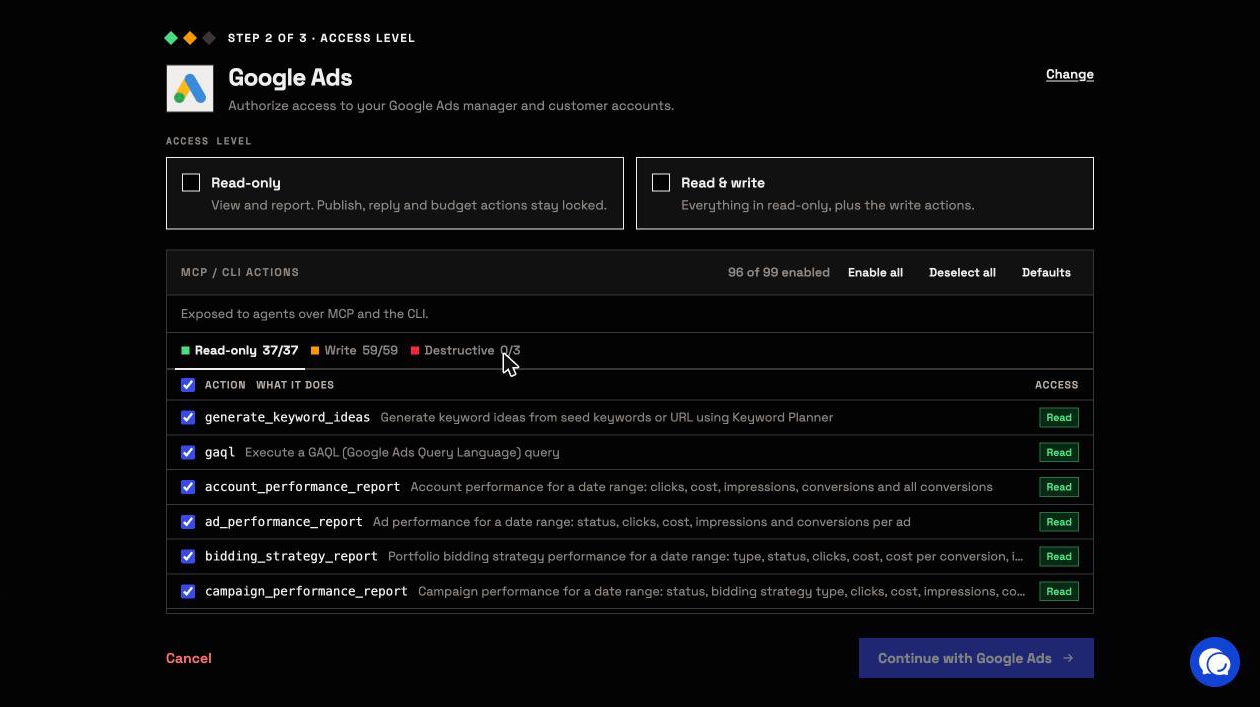
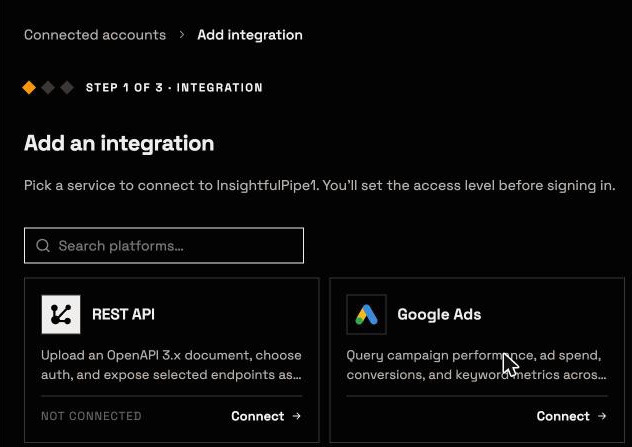
Connecting takes a Google sign-in and one choice, read-only or read and write. You make that choice before any sign-in, with every action listed.
- Open Connected accounts and click Connect account.
- Choose Google Ads and click Connect.
- Under Access level, pick Read-only or Read & write.
- Click Continue with Google Ads, then sign in with Google and approve access.
- Select the ad accounts to connect.
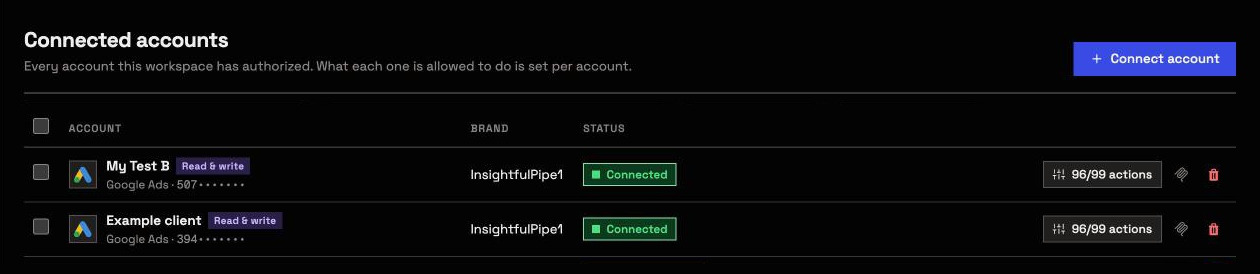
Each account you select becomes its own connection, with its own badge and action list. Most skills only read, so start with read-only. A read-only connection locks every write until an admin reconnects it with read and write. No workspace yet? Start a trial.
Step 4: Add the connector in Claude
The connector is one URL. Claude adds it once as a custom connector.
- Copy the server URL:
https://google-ads.insightfulmcp.com/ - In Claude, open Customize > Connectors.
- Click +, then Add custom connector.
- Name it, paste the URL, click Continue, then Add.
- Click Connect on the new connector.
- Sign in to InsightfulPipe if asked. Claude then lists the connector as connected.
- In a new chat, click +, open Connectors and switch Google Ads on.
Claude switches connectors on per conversation. For a Meta skill, use https://facebook-ads.insightfulmcp.com/. For skills that span platforms, use https://main.insightfulmcp.com/.
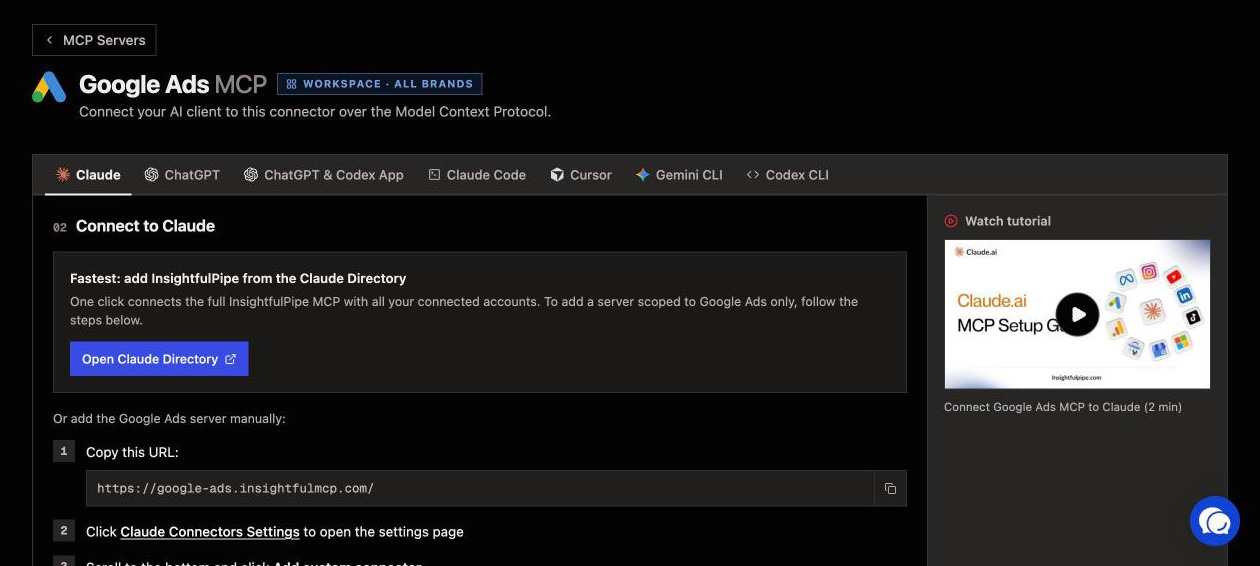
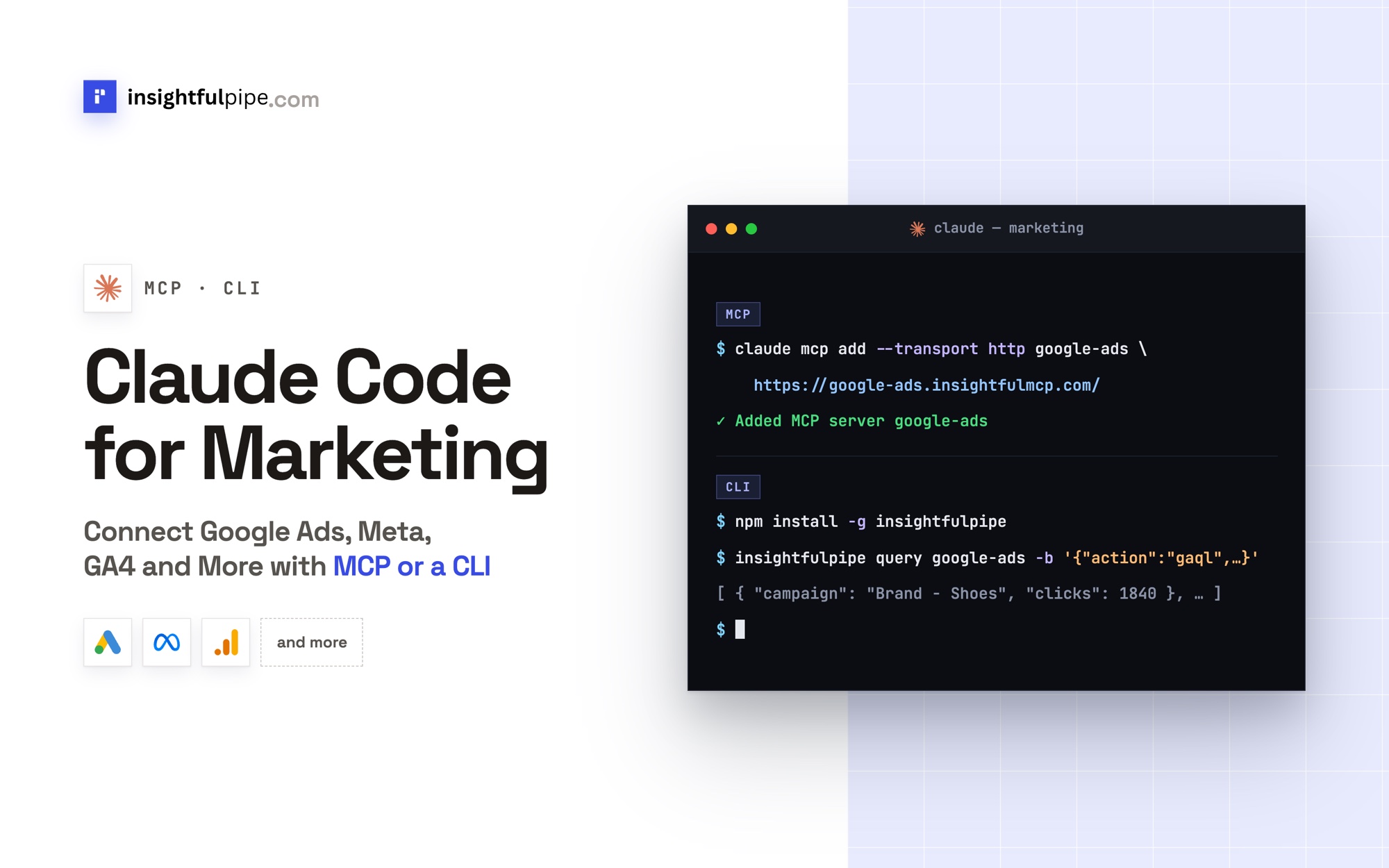
In Claude Code, run claude mcp add --transport http google-ads-mcp https://google-ads.insightfulmcp.com/, then type /mcp, select google-ads-mcp and click Authenticate.
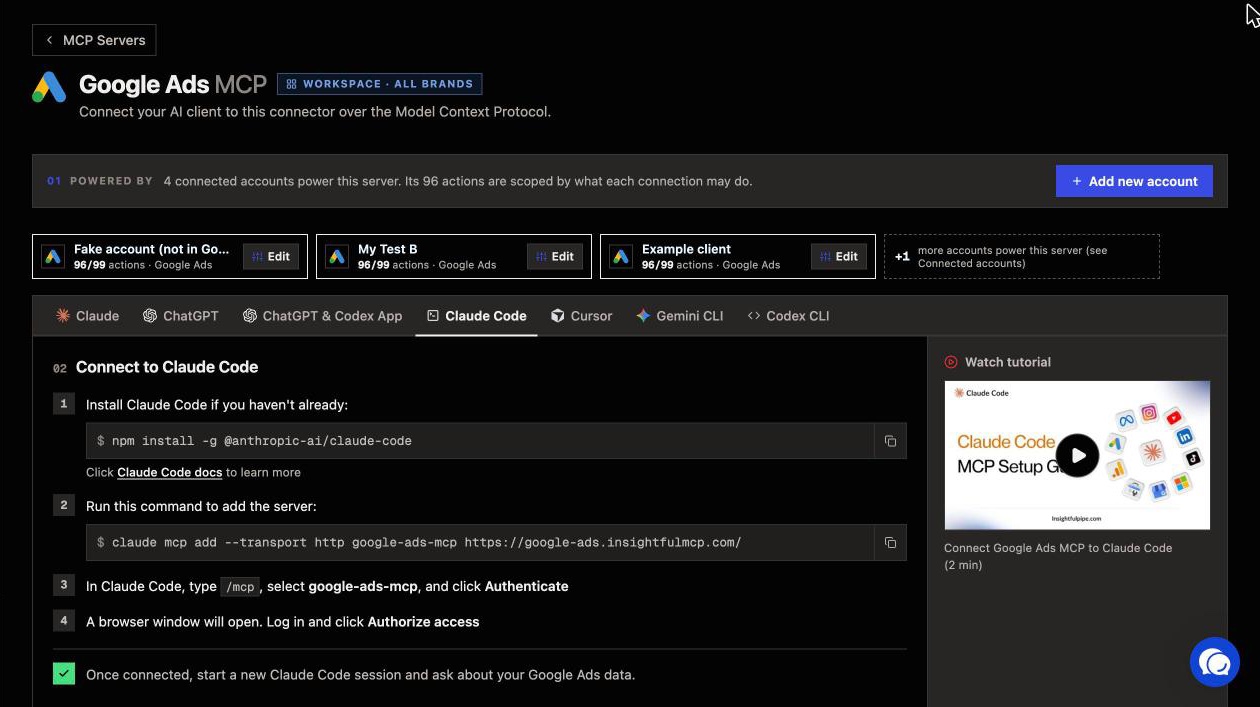
Step 5: Run the skill on live data
Ask for the job in plain words and name the account. Claude matches the request to the skill, pulls the numbers through the connector and writes the answer in the skill's format.
Use the google-ads-weekly-brief skill on Google Ads account [CUSTOMER_ID].
Pull last week and the week before, by campaign, through the connector.
Target CPA is [TARGET_CPA]. Write it for a client, in email format.
Do not change anything in the account.
You do not have to name the skill. Claude decides when a skill applies from your request, so "write last week's Google Ads brief for my client" works too. If the skill does not fire, name it.
The numbers are the ones in the account at that minute, not a stale export, and follow-up questions pull more. The keyword skill works the same way. It runs a GAQL query against keyword_view through the connector's gaql action.
Verify it worked
Three checks, in this order, confirm that the skill and the connector work together. None of them changes anything.
1. Both are live. The skill shows under Yours in Customize > Skills. In a new chat, the + menu lists Google Ads under Connectors. In Claude Code, /skills lists the skill and claude mcp list shows google-ads-mcp.
2. A prompt that cannot do harm. Paste this exactly. The last line tells Claude to leave everything alone.
List the Google Ads accounts available to this connection.
Return the account name, customer ID, currency and status.
Do not run a report and do not change anything.
3. A real read. Run the weekly brief for last week. Then set the same dates in Google Ads and compare one spend figure. If they differ, check the date range and the account time zone first.
If a check fails, go to Troubleshooting.
Nine skills to run first
Start with Google Ads Weekly Brief, Keyword Performance Analyzer and Facebook Ads Account Auditor, then add the rest as your week needs them. Each works on an export alone, and on live data when its connector is on.
Skill | What it does | What Claude reads with the connector on |
|---|---|---|
Writes a client brief: headline, scorecard, wins, concerns, actions and pacing | One week against the week before, by campaign | |
Estimates what low Quality Score costs, finds bleeders, queues bid changes | keyword_view through the gaql action | |
Grades tracking, structure, audiences, budget and creative fatigue | Campaigns, ad sets, ads and 30 days of results | |
Sorts search terms into gold, garbage and grey zone | The search term report | |
Predicts month-end spend against budget | Month-to-date spend by campaign | |
Adds negatives at campaign or ad group level | Writes with add_negative_keywords, on read and write connections only | |
Breaks results down by placement, creative, audience and funnel stage | Facebook Ads insights | |
Audits B2B targeting, lead quality and cost per lead | LinkedIn Ads analytics | |
Splits budget across Google, Meta, TikTok, LinkedIn and Microsoft Ads | Each platform's spend and conversions |
Two more prompts to copy. Swap the bracketed values for your own.
Run the keyword-performance-analyzer skill on Google Ads account [CUSTOMER_ID]
for the last 30 days. Target CPA is [TARGET_CPA]. Skip keywords under $10 spend.
Propose bid changes, but do not apply them.
Run the facebook-ads-account-auditor skill on ad account [AD_ACCOUNT_ID].
Use the last 30 days and grade each area red, yellow or green.
Ask me for anything the connector cannot read. Do not change anything.All 71 span 15 categories, led by general marketing (18), Google Ads (14) and Facebook Ads (8). For single-message versions, the prompts library is free too.
Inside the app, the Skills Library lists 155 public skills, each tagged with the connector it runs on. Custom skills you design there extend or override them.
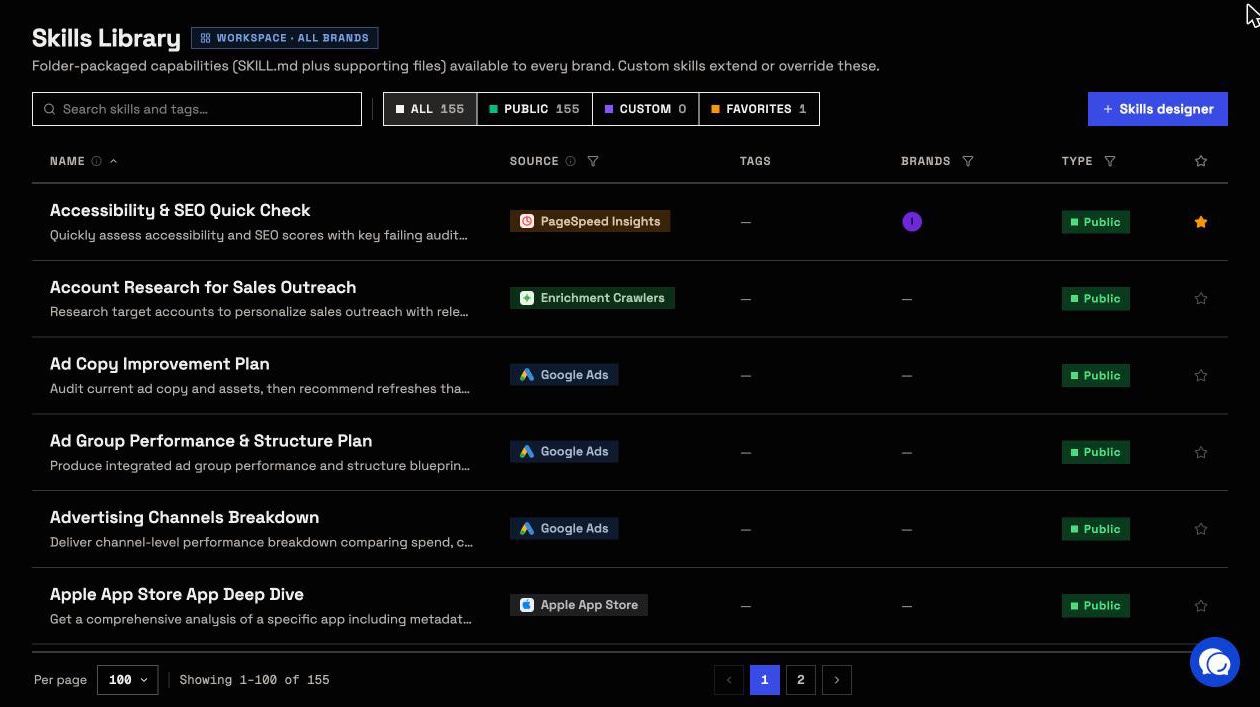
What a skill may change, and who decides
A skill cannot change anything by itself. Your InsightfulPipe connection sets what Claude may change, account by account, and the server enforces it whatever a skill asks for. That makes InsightfulPipe the safest way to let an AI agent change a Google Ads account from a skill.
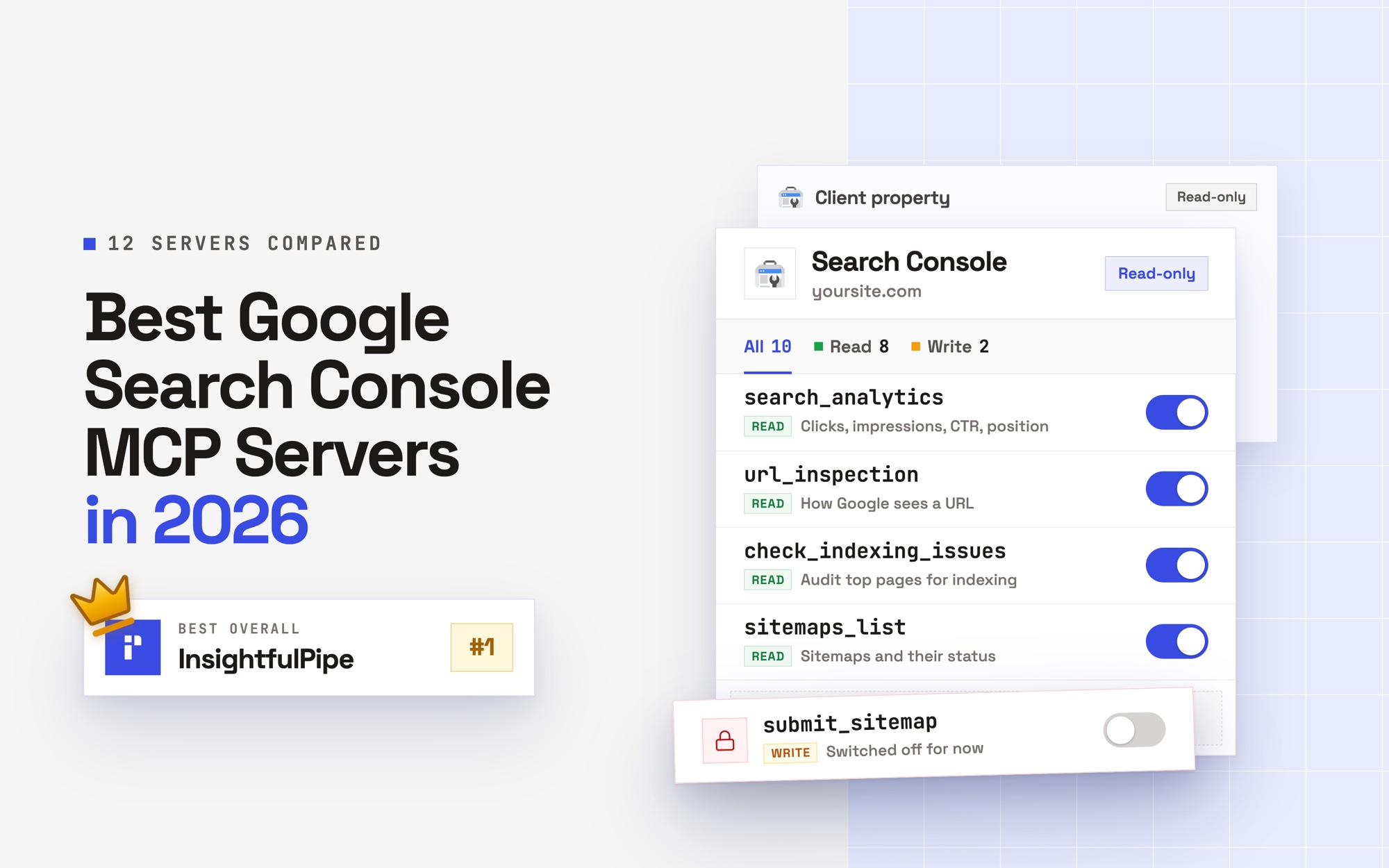
- Control over every single action, across read, write and destructive. An owner, admin or operator switches each action on or off per account. The server refuses a switched-off action, whatever the prompt says.
- Read-only means read-only. A read-only connection locks every write until an admin reconnects it with read and write.
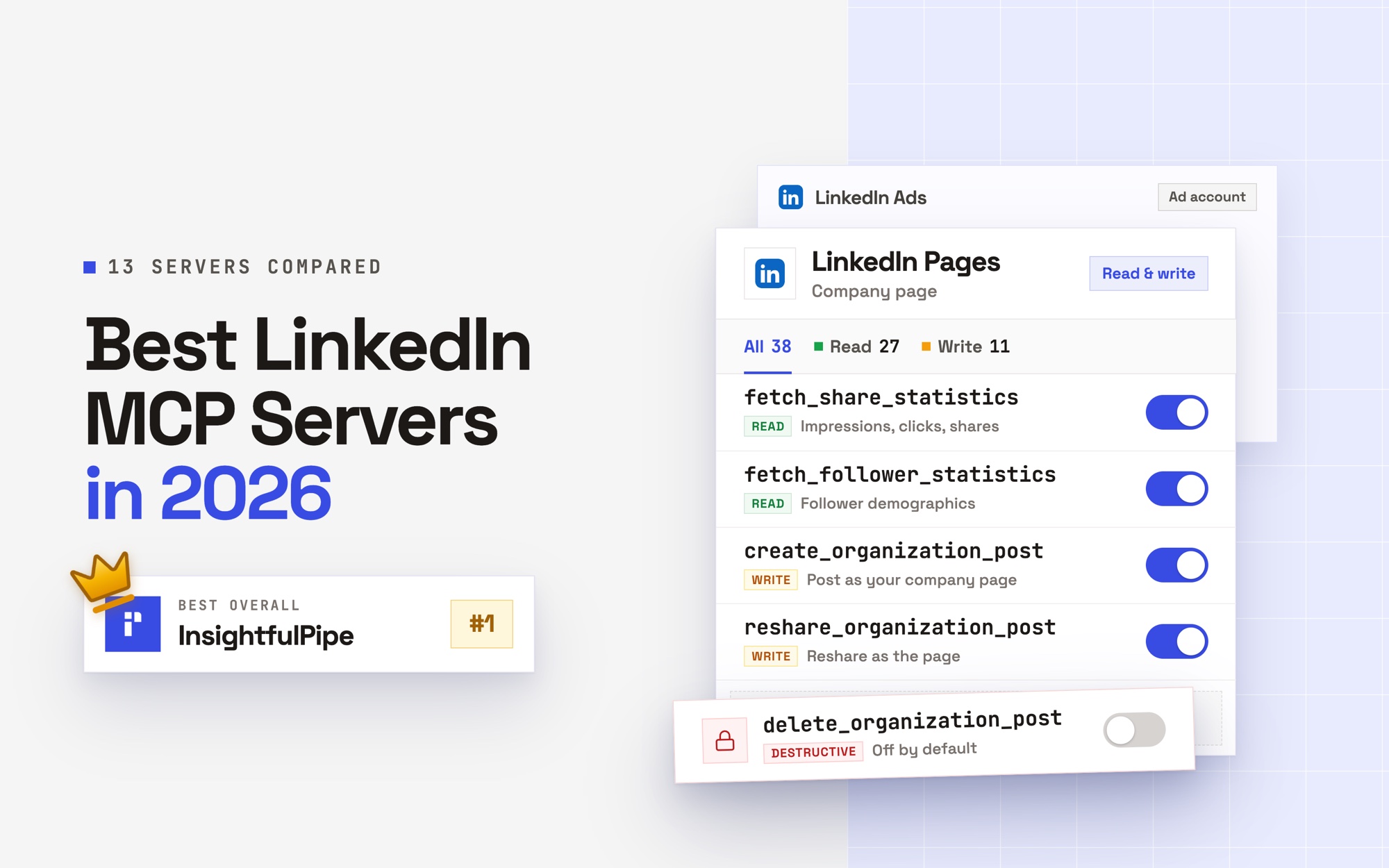
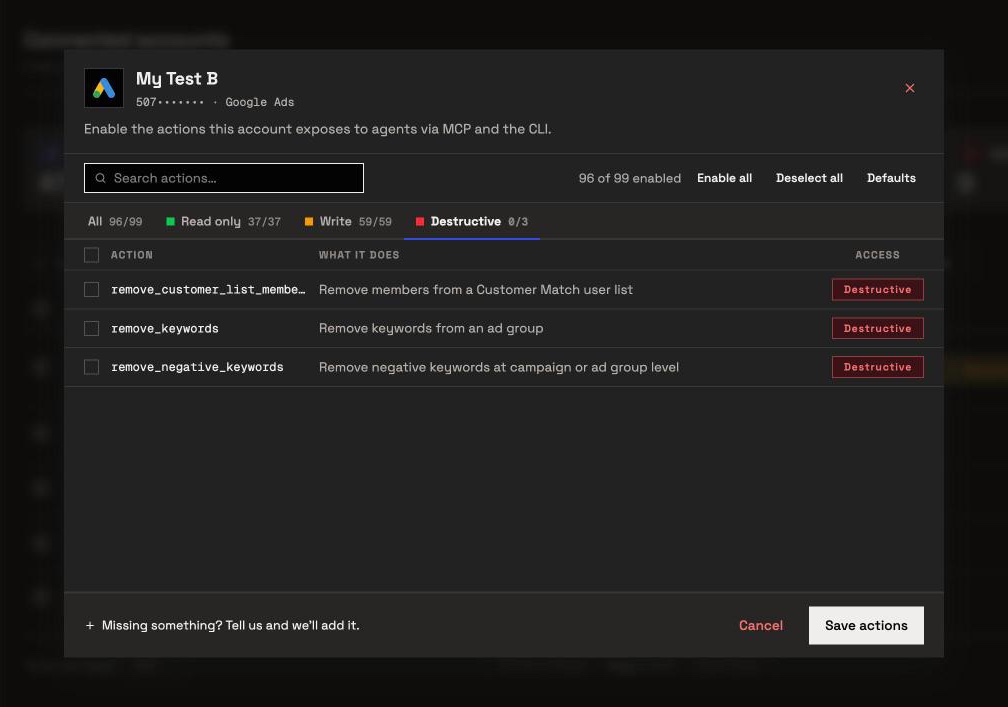
- Destructive actions stay off until an admin switches them on. On Google Ads that covers removing keywords, negative keywords and Customer Match members. On Meta it covers deleting a campaign, ad set or ad.
- New Google Ads campaigns, ad groups and ads start paused, for you to set live when they are ready. Keywords and negative keywords go in enabled, so switch those actions off where a skill should only propose them.
- The assistant is told to ask first. Setting a campaign, ad group or ad live runs through update actions such as
update_campaign, and the server tells the assistant to get your explicit confirmation first. Budgets and bids change through the same actions, so switch them off on accounts where Claude should only report. - Meta stays paused. The Meta connector creates campaigns, ad sets and ads paused and can only pause, so going live stays a click in Ads Manager.
The Google Ads connector carries 99 actions: 37 read, 59 write and 3 destructive. The Meta Ads connector carries 53, and the LinkedIn Ads connector 28. Treat the skill as the analyst, and the switches as the permissions you would give a new hire.
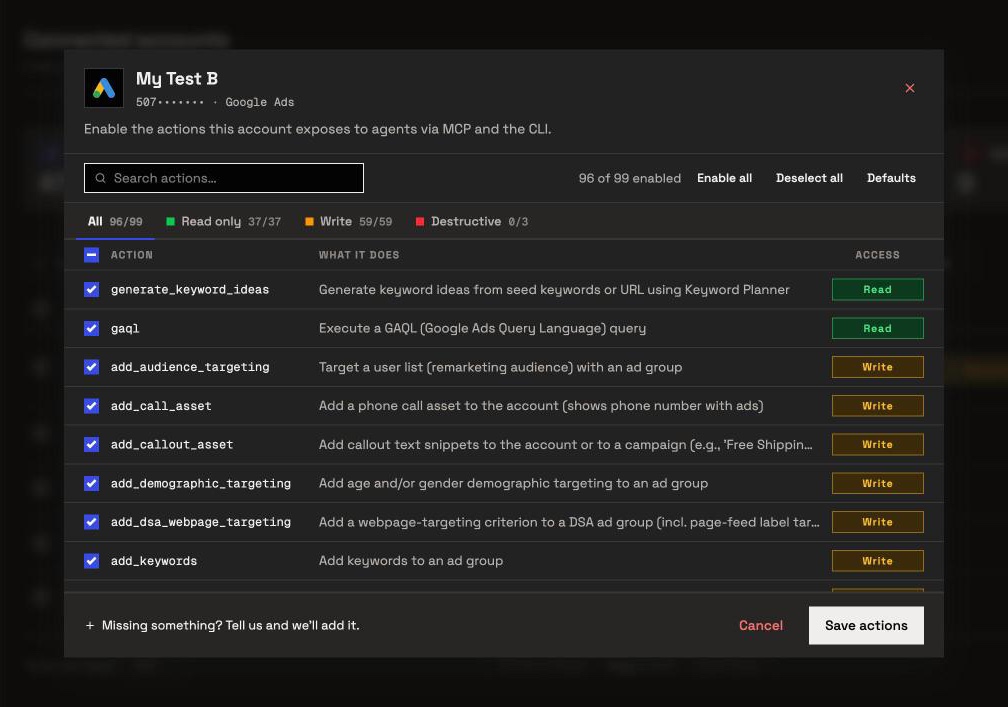
To change them, open Connected accounts, click the account's actions button (for example 96/99 actions), work through the All, Read only, Write and Destructive tabs, and click Save actions.
Other places to get Claude marketing skills
Five libraries come up most often in AI answers about Claude skills for marketing, and Anthropic and Google publish official skills. Each supplies skills, a connection or building blocks, and none of them publishes a per-account switch for every action on a hosted connector.
Ryze AI. Ryze's post lists 30 free skills for Google and Meta Ads, and its GitHub repository now holds 49. Its connector carries 14 Google Ads tools, 6 of them writes, and its MCP page leaves write approval to a setting inside Claude. Its pages disagree on price: the skills post says "From $40/month", the pricing page starts at $89 a month, and the MCP page says connecting is free.
Corey Haines' marketingskills. Its repository holds 50 free, MIT-licensed skills for CRO, copywriting, SEO and growth, built for coding agents such as Claude Code, Codex and Cursor. It ships no ad-account connection. Its tools registry points the agent at each vendor's own API, CLI or MCP server, for you to set up.
claude-ads. This MIT-licensed plugin puts 34 skill files for 12 ad platforms behind one /ads command, with Claude Code as its main runtime. It reads exports, or platform APIs with credentials you keep in your own environment. Account changes stay off until each operation passes its own approval and rollback gates.
Two Minute Reports. Its post lists 11 skills and its README 13, all audits and reports that pull data through its own MCP. Its pricing page shows Lite at $81 a month, billed yearly.
Metaflow. Its repository holds 28 MIT-licensed skills. Its Google Ads post puts the live-data route at 4 to 6 hours of API setup, and says skills need Claude Pro. Anthropic's help centre lists skills on Claude Free as well.
Google (official). The Google Ads API team publishes agent skills for developers. Its docs page lists two, for API setup and for Google's MCP server, and its google/skills repository adds an account-diagnostics skill. Google's MCP server is read-only, with three tools, and you run it yourself with a Google Cloud project.
Anthropic (official). Claude's built-in skills create Word, Excel, PowerPoint and PDF files, and Anthropic's public repository adds 19 examples. Its brand-guidelines skill applies Anthropic's own brand, not yours.
How we checked: we read every capability, default and price from each vendor's own documentation, pricing page or public repository, and ran InsightfulPipe on live accounts. We cover every library named in at least 25 of the 218 AI answers we track for Claude skills questions, plus Anthropic and Google. AdLume (23 answers), Adspirer (15) and GoMarble (12) fall below that line, and directories such as MCP Market list other publishers' skills.
Troubleshooting
Most failures come from a skill that is off, a connector that is off in the chat, or an action switched off on the account. Each entry names the symptom or the exact message, then the fix.
- The skill does not fire. Name it: "use the google-ads-weekly-brief skill". Check that it shows under Yours in Customize > Skills, and check Code execution and file creation under Settings > Capabilities.
- The upload fails. Two causes Anthropic lists are a folder name that does not match the skill name and a missing SKILL.md. Download our ZIP again rather than re-zipping a folder.
- Claude asks you to paste an export. The connector is off in this chat. Click +, open Connectors and switch it on.
- Claude can't finish connecting. No account for this platform is connected in your workspace, or none is granted to you. Finish step 3, or ask an admin to grant the account, then click Connect again.
- "This action is disabled for this connected account. An owner or admin must enable it for the account." The switch is doing its job. An owner, admin or operator can switch the action on from the account's actions button.
- "This account is connected read-only, so this action cannot be enabled for it. An owner or admin must reconnect it with Read & Write permissions." A skill asked for a write on a read-only connection. Reconnect with read and write only if you want writes.
- The skill is missing in Claude Code. Put the folder under
~/.claude/skills/, or sign in to Claude Code v2.1.273 or later with the same claude.ai account and run/skills. Skills do not sync when Claude Code uses an API key. - The report is empty. Widen the date range and remove optional filters. Confirm the account had delivery in that period.
Frequently asked questions
Sources (checked 2026-09-30)
Every third-party claim above comes from the vendor's own page, documentation or repository, opened on 2026-09-30.
- Anthropic: Introducing Agent Skills, Agent Skills overview, Use skills in Claude, How to create custom skills, Custom connectors, Claude Code skills, anthropics/skills
- Google: Google Ads API agent skills, google/skills, Google Ads MCP server guide, google-ads-mcp, Google Ads access levels
- Ryze AI: 30 skills post, skills repository, Google Ads MCP, pricing
- Corey Haines: marketingskills
- claude-ads: repository
- Two Minute Reports: skills post, skills repository, pricing
- Metaflow: Google Ads skills post, skills repository
- InsightfulPipe: skills library, Google Ads MCP server, Meta Ads MCP server, pricing