Web Crawler MCP Server: Connect Site Audits to Claude AI
Technical SEO problems hide in plain sight. Broken links. Missing meta tags. Slow pages. Redirect chains. Crawl depth issues.
Finding these problems requires crawling your site and analyzing the results. Traditional tools generate massive spreadsheets. You export, filter, pivot, and eventually find the issues. Hours later.
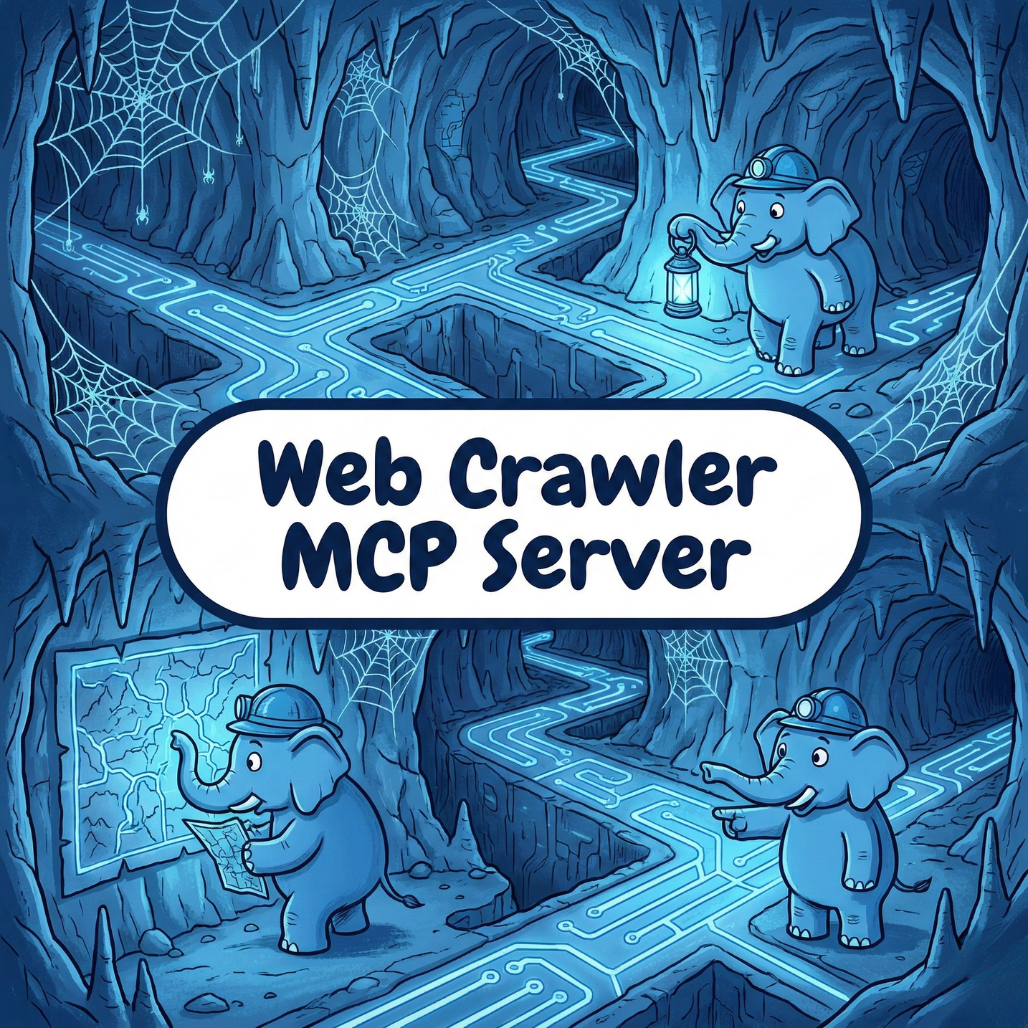
The Web Crawler MCP server lets Claude crawl and analyze websites directly. Ask questions about site structure, technical SEO, and competitor analysis in plain English.
"What pages on my site have missing meta descriptions?" Just ask.
What Is the Web Crawler MCP Server
The Web Crawler MCP server uses Model Context Protocol to give Claude web crawling capabilities.
MCP is Anthropic's open standard for connecting AI to external tools and data. The Crawler MCP server lets Claude fetch pages, follow links, and analyze site structure programmatically.
For SEO professionals and developers, this means on-demand site audits through conversation instead of manual tool configuration.
What Data You Can Access
The Web Crawler MCP server provides comprehensive site analysis.
Page-Level Data:
URL structure and hierarchy
Title tags and meta descriptions
H1 tags and heading structure
Content length and word count
Internal and external links
Technical SEO:
HTTP status codes
Redirect chains and loops
Canonical tags
Robots meta directives
Hreflang tags
Site Structure:
Crawl depth analysis
Orphan pages
Internal linking patterns
Navigation structure
Sitemap coverage
Link Analysis:
Broken links (404s)
Internal linking distribution
External link inventory
Anchor text analysis
Performance Indicators:
Page size
Resource counts
Initial response time
Render-blocking resources
Use Cases
Run Quick SEO Audits
Full site audits take time to configure and run. For quick checks, you need something faster.
Ask Claude: "Crawl my site's main pages and identify any missing title tags or meta descriptions. Also flag any broken internal links."
Get audit results without setting up a dedicated crawler.
Analyze Competitor Sites
Understanding how competitors structure their sites reveals opportunities.
"Crawl competitor.com and analyze their site structure. What topics do they cover? How deep is their content hierarchy?"
Let Claude map their content strategy.
Debug Technical Issues
When something's wrong with your site, you need answers fast.
"My new landing pages aren't getting indexed. Crawl them and check for noindex tags, canonical issues, or anything that might block indexing."
Claude can diagnose technical problems on demand.
Validate Site Changes
After launching changes, verify nothing broke.
"Crawl my site and compare the link structure to what it was last month. Are there any new 404s or redirect changes?"
Catch issues before they impact rankings.
How to Set Up
Setting up the Web Crawler MCP server takes about 10 minutes.
Step 1: Install the Server
Install the Web Crawler MCP server package. No external API keys required since crawling uses direct HTTP requests.
Step 2: Configure Rate Limits
Set appropriate crawl rate limits to avoid overwhelming sites. Respect robots.txt directives.
Step 3: Add to Claude Config
Add the server to your Claude configuration file.
Step 4: Test the Connection
Ask Claude to crawl a small section of a site you own. Verify the results match what you'd expect.
Example Queries
Once connected, you can ask Claude:
"Crawl my site and list all pages returning 404 errors."
"What's the average crawl depth on my site? Are there pages more than 4 clicks from the homepage?"
"Analyze the internal linking to my product pages. Are they getting enough link equity?"
"Crawl competitor.com and identify their top-level content categories."
"Check my site for redirect chains longer than 2 hops."
"Which pages on my site have duplicate title tags?"
Be specific about what you want to analyze and which pages or sections to crawl.
Common Questions
Does this respect robots.txt?
Yes. The crawler respects robots.txt directives by default. You can configure this behavior, but you should respect site policies.
Can I crawl any website?
Technically yes, but ethically you should only crawl sites you own or have permission to analyze. The crawler includes rate limiting to avoid impacting site performance.
How many pages can it crawl?
Crawl limits depend on configuration and the specific task. For quick audits, a few hundred pages works well. Larger crawls may require multiple sessions.
How does this compare to Screaming Frog or Sitebulb?
Dedicated crawlers like Screaming Frog offer more configuration options and can handle larger sites. The Crawler MCP server excels at quick, on-demand analysis through natural language without tool setup.
Can I save crawl results?
Claude can summarize findings and list specific issues. For persistent storage or historical comparison, you'd export data to your own system.
Start Auditing Your Sites
Technical SEO issues cost traffic. Broken links, missing tags, and structural problems hurt rankings. Finding them shouldn't require hours of tool configuration.
The Web Crawler MCP server puts site auditing at your fingertips. Ask questions, get answers, fix issues.
Ready to connect crawling capabilities to Claude? Get the Web Crawler MCP server and start auditing your sites today.